Table of Contents
📍 Where to Find Your License Key #
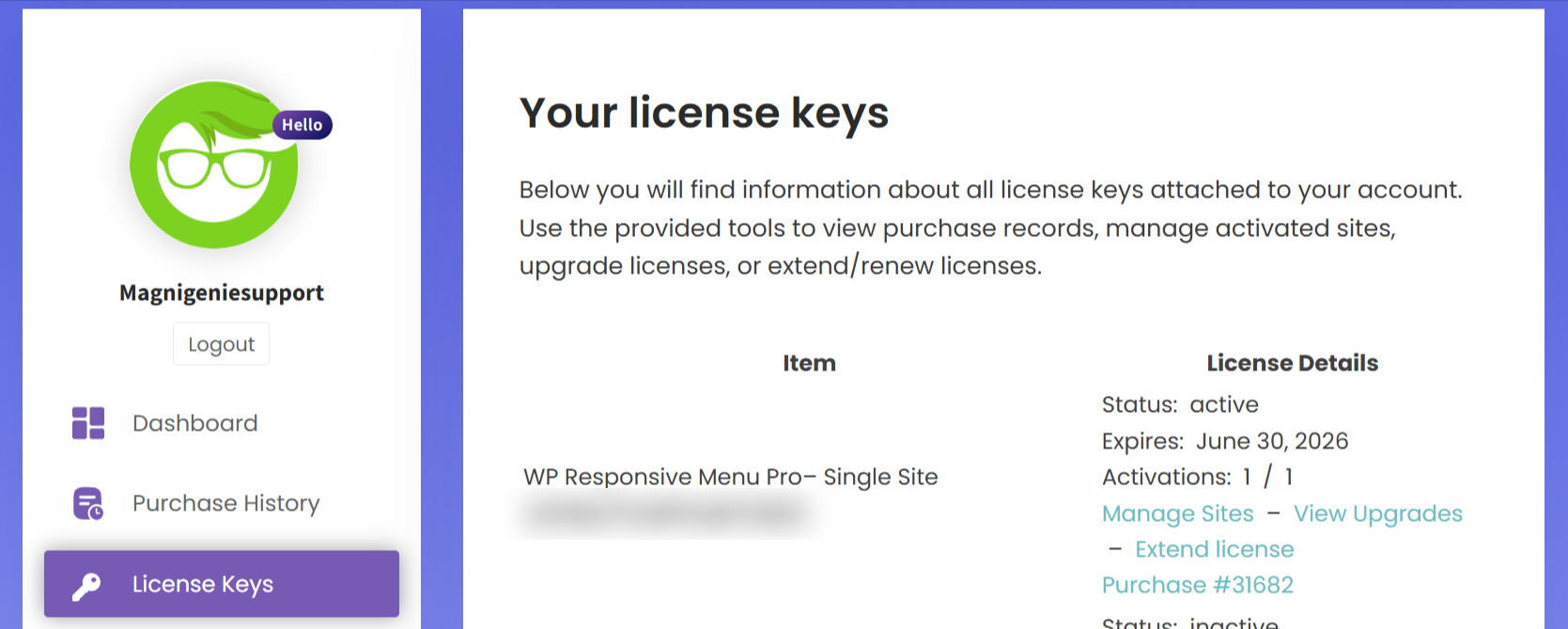
To access your license key:
-
Log in to your Magnigenie account.
-
Navigate to the License tab in your account dashboard.
-
You will see a list of all your purchased products along with their corresponding license keys.
✅ How to Activate the License Key #
To activate the license key within your WordPress site:
-
Log in to your WordPress Dashboard.
-
In the left sidebar, hover over the menu labeled “WPR Menu Pro”.
-
Click on License from the submenu.
-
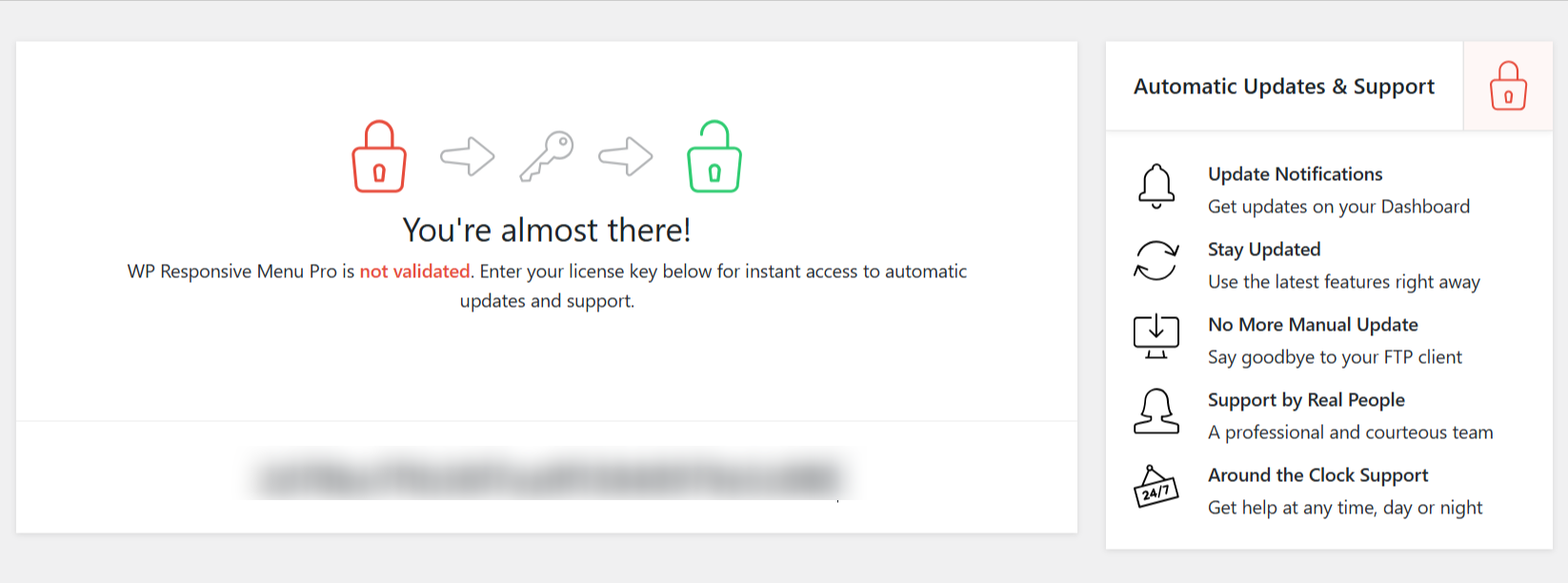
Enter your license key in the provided field.
-
Press the Enter key on your keyboard to activate it.