Table of Contents
📥 Importing a Demo #
To quickly set up your menu using a pre-designed layout, follow the steps below to import a demo:
-
Log in to your WordPress Dashboard.
-
In the left sidebar, hover over the WPR Menu Pro menu item.
-
Click on Import Demo.
-
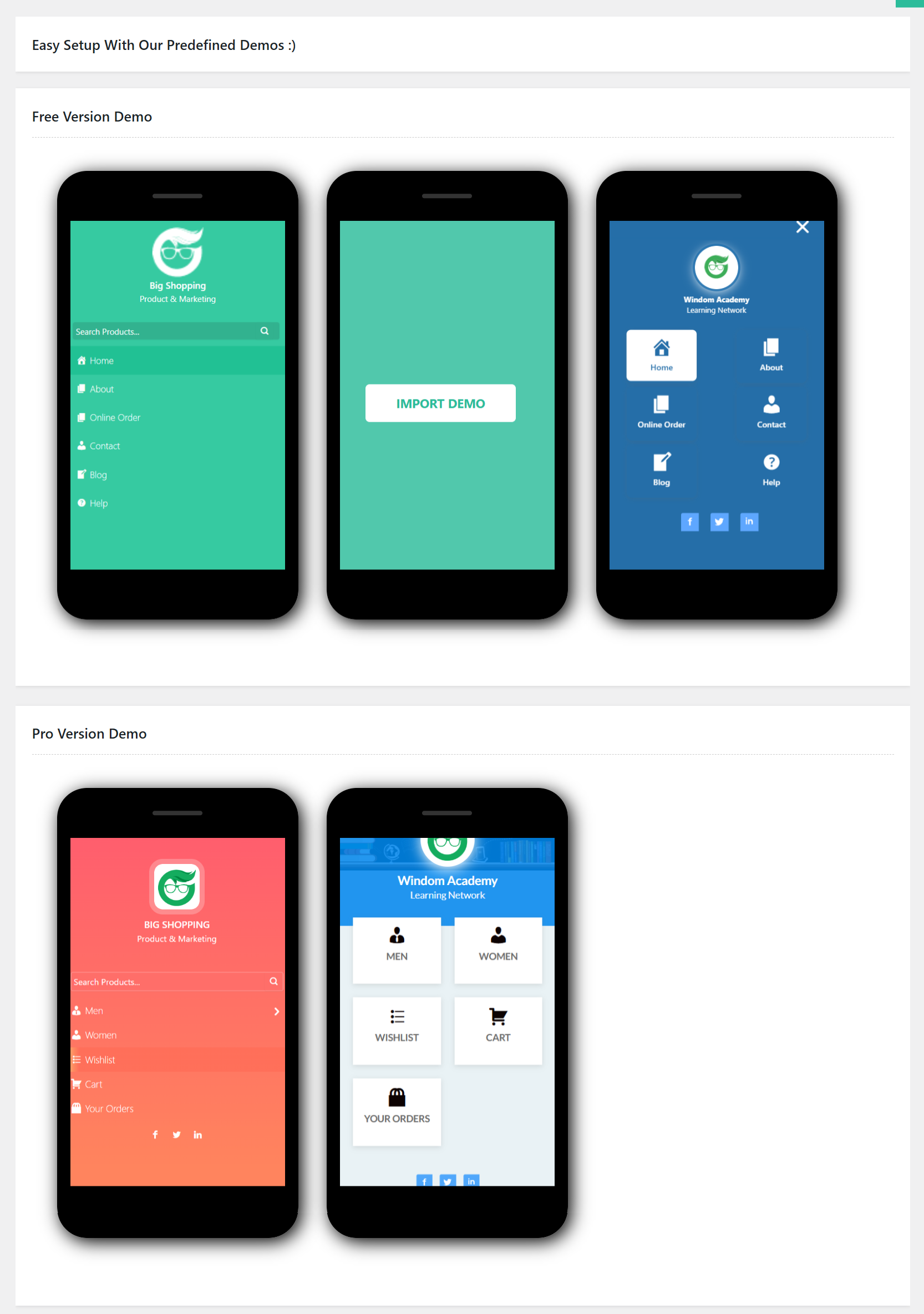
You will see a list of available demo layouts.
-
Hover over the demo you want to use and click the Import Demo button.
The selected demo will be imported and applied to your site, allowing you to get started quickly without building everything from scratch.